

Autodesk AutoCAD 2027 - 1 Year Subscription!
Meet your Seller
-
R 1,995.00Sold by Planet7 Software
Description
AutoCAD 2027 - 1 Year Subscription!
Upgrading your design software is an investment in your team’s daily productivity. With the release of AutoCAD 2027, Autodesk delivers meaningful enhancements designed to improve automation, strengthen collaboration, and connect workflows more seamlessly than ever.
AutoCAD 2027 at a Glance
-
- Geometry Cleanup for faster error detection and repair
- Expanded Autodesk Assistant AI workflows
- True simultaneous editing with Checkout
- Connected data management with Autodesk Forma
- Improved performance and visualization

Smarter Design with AI and Automation
Time spent fixing minor drawing errors is time away from actual design work. AutoCAD 2027 leans heavily into AI to remove friction from your daily drafting tasks.
Streamline Cleanup with Smart Geometry
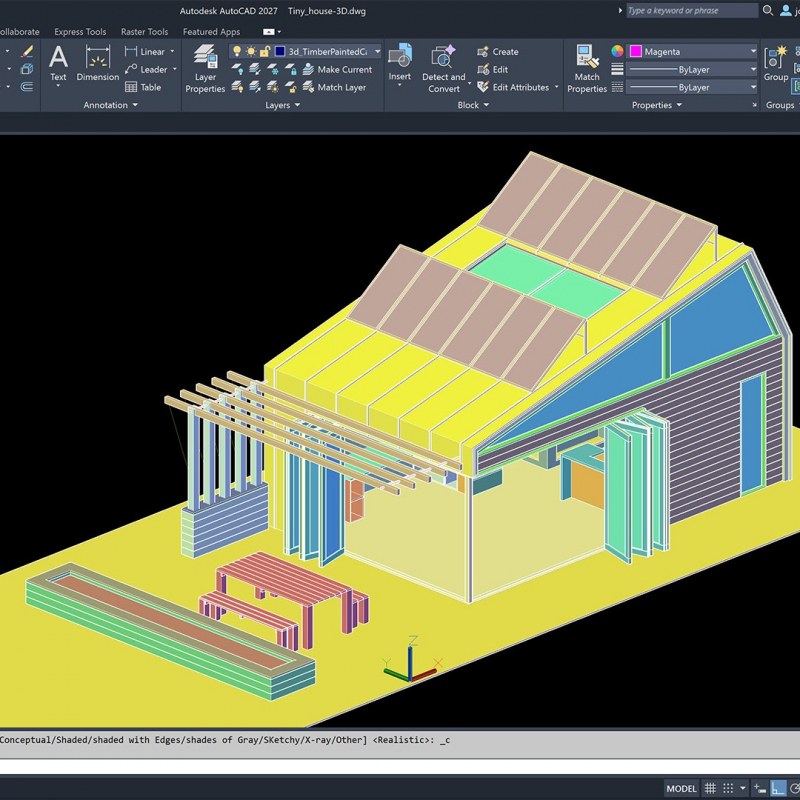
AutoCAD 2027 introduces Geometry Cleanup, an intelligent tool designed to automatically scan and repair common geometry issues within your drawings. It highlights errors directly in the drawing window with visual markers. This helps reduce downstream errors, improve drawing accuracy, and save time by streamlining the cleanup process.
Work Faster with the Autodesk Assistant
The Autodesk Assistant has been significantly enhanced with AI-powered chat and prompt-based workflows. Users can now interact with their drawings using natural language to quickly check standards against a standards file, retrieve specific information from the current drawing, and create selections based on simple text prompts. Note: these newest enhancements are currently in Tech Preview and will continue to evolve over time.
Next Level Collaboration with Autodesk Forma
Hybrid work and remote teams require better ways to share data. AutoCAD 2027 integrates deeply with AutoCAD Forma to help your teams work together without stepping on each other’s toes. Forma Data Management Essentials
Every AutoCAD subscription now includes Forma Data Management Essentials, providing a centralized source for project information. This shared data environment helps teams stay aligned, access up-to-date information, and supports more efficient collaboration across disciplines and locations.
Simplify Connected References
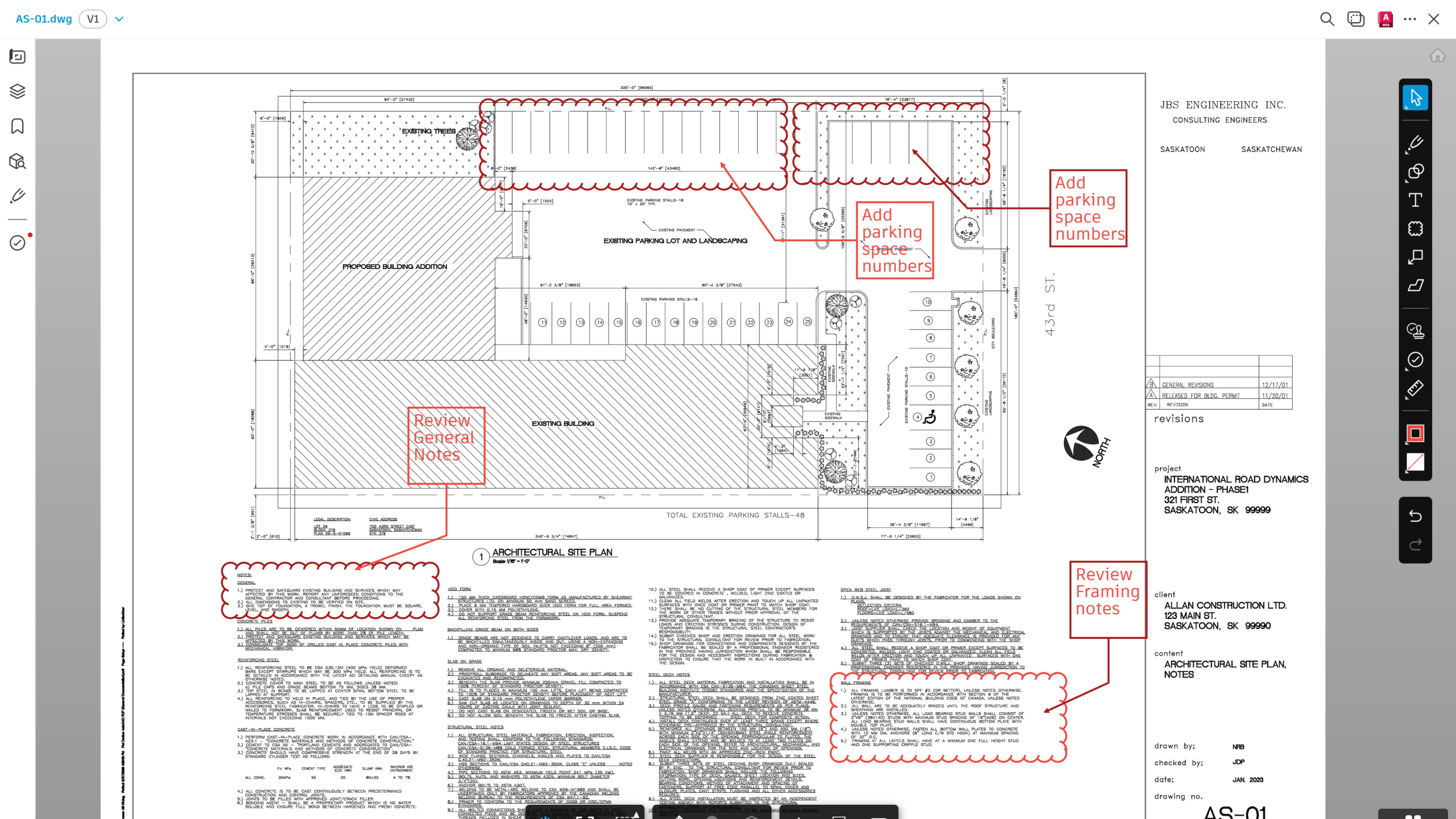
Managing external references (Xrefs) becomes significantly easier with Connected Reference. This feature simplifies the process of locating, updating, and resolving missing or broken Xref paths.
True Simultaneous Editing with Checkout
A major advancement in collaborative workflows, Checkout allows users to edit and propose changes to specific objects in a drawing even while it’s being used by another user.
Changes are made in a controlled environment and can be submitted for review and merging, eliminating bottlenecks in collaborative workflows.

Unifying Your Team’s Workflows
Maintaining consistency across a large team is crucial for brand quality and efficiency. AutoCAD 2027 makes it easier to keep everyone on the same page.
Standardize with Connected Support Files – Tool Palettes
Tool Palettes and authoring palette files can now be shared across teams working on the same Autodesk project stored on Forma Data Management, ensuring consistency and standardization.
Customization with Connected Support Files – CUI Customization
Custom UI configurations (CUIx files) can be shared and loaded automatically when working, helping teams maintain standardized interfaces and workflows.
Performance and Visualization Enhancements
Your software should never hold back your hardware. AutoCAD 2027 brings core performance improvements that make the software feel faster and more responsive.
- Faster Layout Switching
Switching between layout tabs is now faster, improving productivity when working with complex drawings. - Enhanced 3D Graphics System
The updated graphics system delivers a much smoother performance with-
- Better performance and stability
- Improved handling of large coordinate models
- Enhanced visual quality (materials, lighting, shadows, textures)
-
The Realistic (Fast) visual style is now enabled by default, offering a better out-of-the-box experience.
Transition to a Fully Connected Ecosystem
AutoCAD 2027 continues Autodesk’s shift toward a unified platform:
- Connected Support Files are now accessible via Forma Data Management and ACC Library
- Push to Autodesk Docs is now replaced with Push to Forma Data Management
This reinforces the Autodesk vision of a connected, cloud-based ecosystem.

Important Changes and Feature Removals
To support this transition, several legacy features have been removed:
- Open/Save from Web & Mobile commands removed for AutoCAD Web & Mobile
- Shared Views functionality
- Support for MrSID image format
- PostScript (PSOUT) export capability
Users are encouraged to adopt Forma Data Management as the central environment for file storage, sharing, and collaboration.
What This Means for Your Business
AutoCAD 2027 is not just an update—it reflects a broader shift toward:
- Connected data environments
- AI-assisted workflows
- Improved collaboration across teams
- Higher performance and reliability
For companies looking to scale digital operations, these improvements provide a strong foundation.
Once Payment is done please send Autodesk Email to us to complete activation - Thank you!

Customer reviews
Share your thoughts with other customers
Be the first one to write a review!