
Description
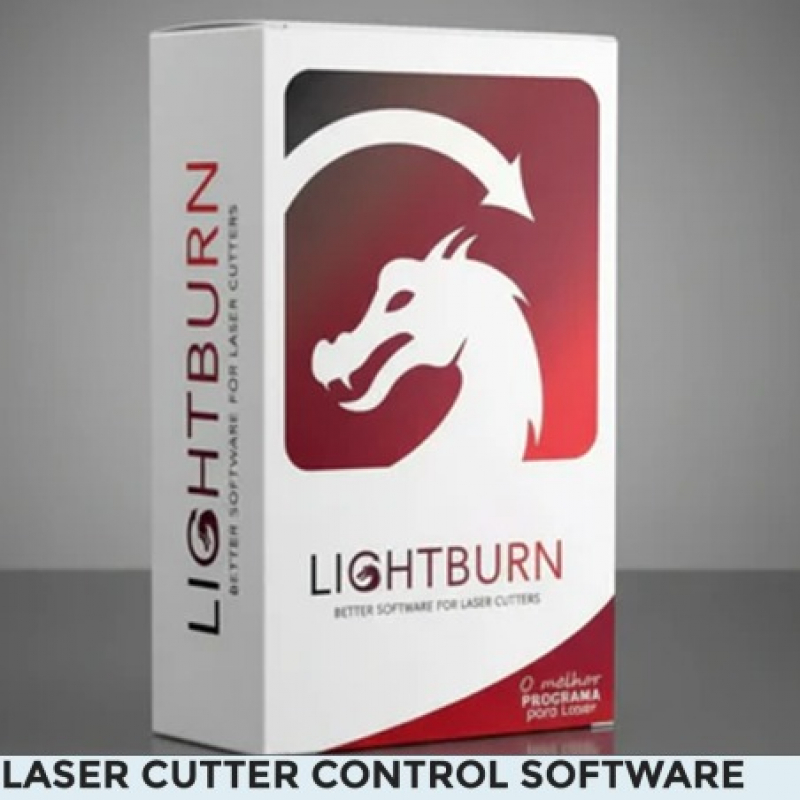
Description : Lightburn is a universal software solution for laser engraving and cutting, designed to provide complete creative and operational control over laser systems. Originally designed for CO2 laser machines, the software now supports a wide range of diode and galvo lasers, making it one of the most versatile tools in the laser engraving industry.
The program allows you to import vector files (such as SVG, AI, and DXF), as well as PNG and BMP images, and features a powerful built-in editor for creating, placing, and adjusting graphics. LightBurn provides real-time control over parameters such as laser power, speed, number of passes, brightness, contrast, and rasterization modes for raster images.
LightBurn software interfaces directly with a wide range of laser controllers, including Ruida, Trocen, TopWisdom, and GCode systems (e.g., GRBL, Smoothieware, Marlin), eliminating the need for middleware.
LightBurn 2.1.03 for Windows – Professional Laser Engraving & Cutting Software
LightBurn 2.1.03 (Windows)
LightBurn 2.1.03 is the latest Windows release of the world's leading laser engraving and cutting software. Designed for professionals, hobbyists, makerspaces, and manufacturing businesses, LightBurn provides an all-in-one platform to design, edit, arrange, and control laser engraving and cutting projects with exceptional precision.
Whether you own a CO₂ laser, fiber laser, diode laser, or another compatible laser system, LightBurn gives you complete control over every stage of your workflow—from artwork creation to machine operation.
Version 2.1.03 is a maintenance release that builds on the major LightBurn 2.1 update by improving overall stability, fixing reported issues, and enhancing reliability for Windows users while retaining all of the powerful features introduced in the 2.1 series.
What's New in Version 2.1.03
LightBurn 2.1.03 includes numerous bug fixes and stability improvements, including:
-
Improved overall software stability.
-
Fixed issues affecting file name prompts when sending jobs to supported laser controllers.
-
Improved window behavior and interface consistency.
-
Better compatibility with supported laser controllers.
-
Bug fixes related to rotary tools.
-
Camera functionality improvements.
-
Galvo laser controller fixes.
-
Various performance optimizations and minor corrections reported by users.
This release focuses on making LightBurn more stable and reliable without changing the familiar workflow.
Complete Design Environment
Create laser projects directly inside LightBurn without requiring additional CAD software.
Design tools include:
-
Rectangle
-
Circle
-
Polygon
-
Star
-
Bézier Curves
-
Freehand Drawing
-
Node Editing
-
Text Creation
-
Image Tracing
-
Boolean Operations
-
Offset Shapes
-
Weld
-
Union
-
Difference
-
Intersection
-
Array Duplication
-
Alignment Tools
-
Distribution Tools
-
Shape Editing
Powerful Image Processing
LightBurn includes advanced image editing features for engraving photographs and graphics.
Supported image adjustments include:
-
Brightness
-
Contrast
-
Gamma
-
Sharpen
-
Blur
-
Dithering
-
Grayscale Conversion
-
Negative Images
-
Threshold
-
Resize
-
Rotate
-
Crop
-
Mirror
-
Flip
-
Image Masking
Multiple engraving modes are available for producing high-quality photo engravings.
Advanced Layer Management
Assign different operations to individual layers, including:
-
Cut
-
Line
-
Fill
-
Fill + Line
-
Offset Fill
-
Image Engraving
-
Variable Power Settings
-
Variable Speed
-
Air Assist
-
Multiple Passes
-
Z Offset
-
Kerf Offset
Each layer can have its own settings for maximum flexibility.
Professional Laser Controls
LightBurn gives complete control over your laser machine.
Control features include:
-
Start
-
Pause
-
Stop
-
Frame
-
Home
-
Origin Selection
-
Continuous Jogging
-
Focus Assistance
-
Material Test Grids
-
Power Scale
-
Speed Control
-
Device Console
-
Live Position Display
-
Job Preview
New Features Introduced in the 2.1 Series
Version 2.1 introduced several powerful enhancements that are fully available in version 2.1.03, including:
-
Quick Nest for efficient material layout.
-
Multi-camera support.
-
Network camera compatibility.
-
Undo History panel.
-
Font Management dialog.
-
Project Templates.
-
Tangent Circle Generator.
-
Web Tools integration.
-
Enhanced camera calibration.
-
Dual-camera support.
-
Faster cut planning.
-
Improved DXF export.
-
Expanded Custom GCode support.
-
Better support for additional laser controllers.
Compatible Laser Controllers
LightBurn supports a wide range of laser controllers including:
-
Ruida
-
Trocen
-
TopWisdom
-
GCode
-
GRBL
-
Smoothieware
-
DSP Controllers
-
EZCAD-compatible Galvo Controllers
-
Masso
-
Duet / RepRap GCode
-
Many manufacturer-specific controllers
Supported Laser Types
Compatible with:
-
CO₂ Lasers
-
Fiber Lasers
-
Diode Lasers
-
Hybrid Laser Systems
-
Galvo Lasers
-
Desktop Laser Engravers
-
Industrial Laser Machines
Supported File Formats
Import
-
AI
-
SVG
-
PDF
-
DXF
-
PNG
-
JPG
-
JPEG
-
BMP
-
GIF
-
TIF
-
TIFF
-
WEBP
Export
-
SVG
-
DXF
-
AI
-
PDF
-
PLT
-
LBRN2
-
RD Files
-
GCode
Windows System Requirements
Operating System
-
Windows 10 (64-bit)
-
Windows 11 (64-bit)
Processor
-
Intel Core i3 or newer
-
AMD Ryzen equivalent or newer
Memory
-
Minimum 4 GB RAM
-
Recommended 8 GB or more
Storage
-
Approximately 500 MB free disk space
Graphics
-
OpenGL-compatible graphics card
USB
-
USB port or Ethernet connection for supported laser machines
Ideal For
-
Laser Engraving Businesses
-
Trophy Shops
-
Sign Makers
-
Woodworkers
-
Leather Crafts
-
Acrylic Fabrication
-
Jewelry Engraving
-
Metal Marking
-
Personalized Gifts
-
Educational Institutions
-
Makerspaces
-
Hobbyists
Why Choose LightBurn?
LightBurn combines professional design software with powerful machine control in one application. Instead of using separate programs for design and laser operation, everything is integrated into a single workflow, helping users save time while improving engraving accuracy and productivity.
Version 2.1.03 delivers enhanced reliability through numerous bug fixes while retaining the major innovations introduced in the 2.1 release, making it one of the most capable laser engraving solutions available for Windows.
Software: LightBurn
Version: 2.1.03
Platform: Microsoft Windows (64-bit)
Category: Laser Engraving & Cutting Software
Developer: LightBurn Software
License: Commercial software (requires a valid LightBurn license for activation and continued updates).
Overview of Lightburn
This layout, editing, and control software is for your laser cutter. You can import artwork in various ordinary vector graphic and image formats (AI, PDF, SVG, DXF, PLT, PNG, JPG, GIF, and BMP).
With powerful features like offsetting, boolean operations, welding, and node editing, you can arrange, edit, and even create vector shapes within the editor.
Features of Lightburn
- Import artwork in a variety of common vector graphic and image formats
- Arrange, edit, and even create new vector shapes
- Offsetting, boolean operations, welding, and node editing
- Apply settings like power, speed & number of passes
- Send the result directly to your laser cutter
Customer reviews
Share your thoughts with other customers
Be the first one to write a review!