
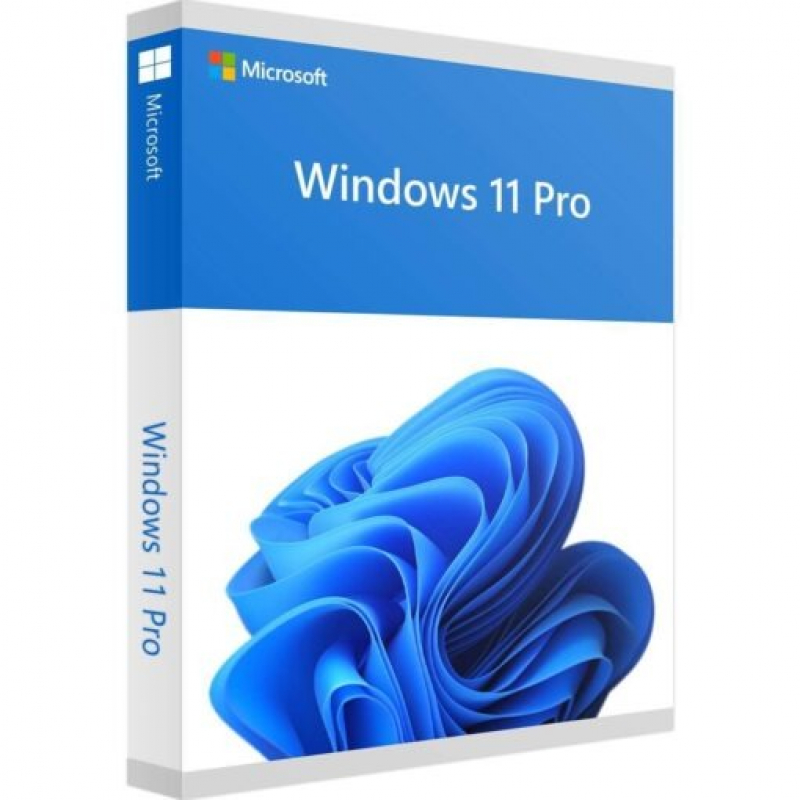
Description
Bring balance to your desktopWindows 11 has easy-to-use tools that can help you optimize your screen space and maximize your productivity. Combine that with a Microsoft 365 subscription* and nothing will stop you from getting tasks done.
New ways to connect
With Chat from Microsoft Teams you can reach anyone (for free) however you prefer (call, chat, text, video) right from your desktop.
Connect with anyone
Chat and calling are built into your taskbar and samlessly integrate with Outlook and Calendar – making it easy to connect in just a couple of clicks.
Refocus your workflow
PowerPoint, Microsoft Edge, Microsoft Teams – the apps – you need work seamlessly with new multi-tasking tools like Snap layouts, Desktops, and a new more intuitive redocking experience.
Your content, curated
Your favorite photos. The world news. Today’s to-do list and tommorow’s weather. Widgets help you find content that matters to you. It’s all things you – always a swipe away!
Work and play
The apps you need. The shows you love to watch. Find them fast in the new Microsoft Store.
The browser that puts you first
Work, play, shop, stream, connect – whatever you set out to do, Microsoft Edge on Windows 11 helps you do it with a speed and security.
The latest in PC gaming performance
Play the latest games with graphics that rival reality. Play with players on console. Play with the peripherals that you love. When it comes to playing your way, Windows 11 makes it happen.
Microsoft Windows 11 Pro features:
- BitLocker device encryption – If your device is lost or stolen, BitLocker puts everything on lockdown, so no one else can access your systems or data.
- Device encryption – If you turn on device encryption, only authorized individuals will be able to access your device and data.
- Find my device – Keep track of your devices – even your digital pen!
- Firewall and network protection – Your Windows device comes with built-in security features to help safeguard against viruses, malware, and ransomware.
- Internet protection – App & Browser control in Windows Security helps protect your device from potentially dangerous apps, files, websites, and downloads.
- Parental controls and protection – Manage screen time, limit access to mature content, and control online purchases when you connect your family’s Microsoft accounts.
- Secure boot – Helps prevent malicious software applications and unauthorized operating systems from loading during the system start-up process.
- Windows Information Protection (WIP) – Helps protect enterprise apps and data against accidental data leaks on enterprise-owned devices and personal devices that employees bring to work.
- Windows Hello – Uses facial recognition, fingerprint, or PIN, for a fast, secure, and password-free way to unlock your compatible Windows devices.
- Windows Security – View and manage the security and health of your device.
Microsoft Windows 11 Pro also includes business management and deployment tools
- Assigned Access
- Dynamic Provisioning
- Enterprise State Roaming with Azure
- Group Policy
- Kiosk mode setup
- Microsoft Store for Business
- Mobile device management
- Support for Active Directory
- Support for Azure Active Directory
- Windows Update for Business
Minimal requirements
Below are the minimum and recommended system specifications for Microsoft Windows 11 Pro (PC) – Microsoft Key – GLOBAL. Due to potential programming changes, the minimum system requirements for Microsoft Windows 11 Pro (PC) – Microsoft Key – GLOBAL may change over time.
PROCESSOR
1 gigahertz (GHz) or faster with 2 or more cores on a compatible 64-bit processor or System on a Chip (SoC).
GRAPHICS
Compatible with DirectX 12 or later with WDDM 2.0 driver.
MEMORY
4 GB RAM.
DISK SPACE
64 GB or larger storage device.
Shop Policies
Payment Policy
Orders will be delivered immediately payment is confirmed or we refund your full amount
Delivery Policy
Within 12 hours of punchase
Refund Policy
Digital products are non refundable
Customer reviews
Share your thoughts with other customers
Be the first one to write a review!